🚀 What’s New: Parent Dashboard in Reach App (Mobile)
We’ve introduced a brand-new Parent Dashboard in the Reach App with a fresh, modern UI 🎨.
Parents can now view all student-related information in one place with better clarity, accessibility, and control.
🔑 Key Features
🔄 Switch Student by Swiping
Parents can seamlessly switch between the students they’ve added by swiping horizontally.
All dashboard data updates instantly to reflect only the selected student’s information.
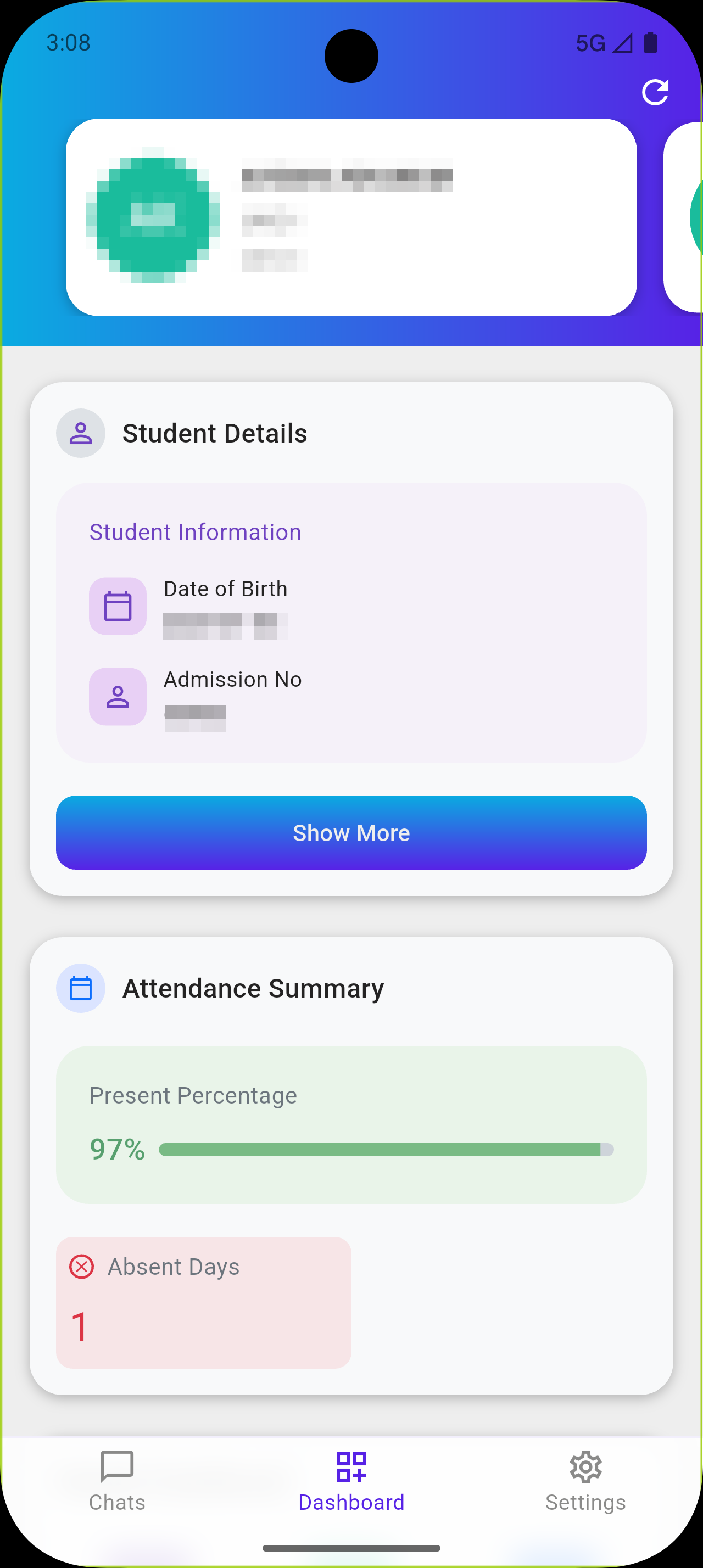
👤 Student Details
This section displays complete student information, including:
-
Student personal details
-
Father’s details
-
Mother’s details
All essential information is available at a glance.
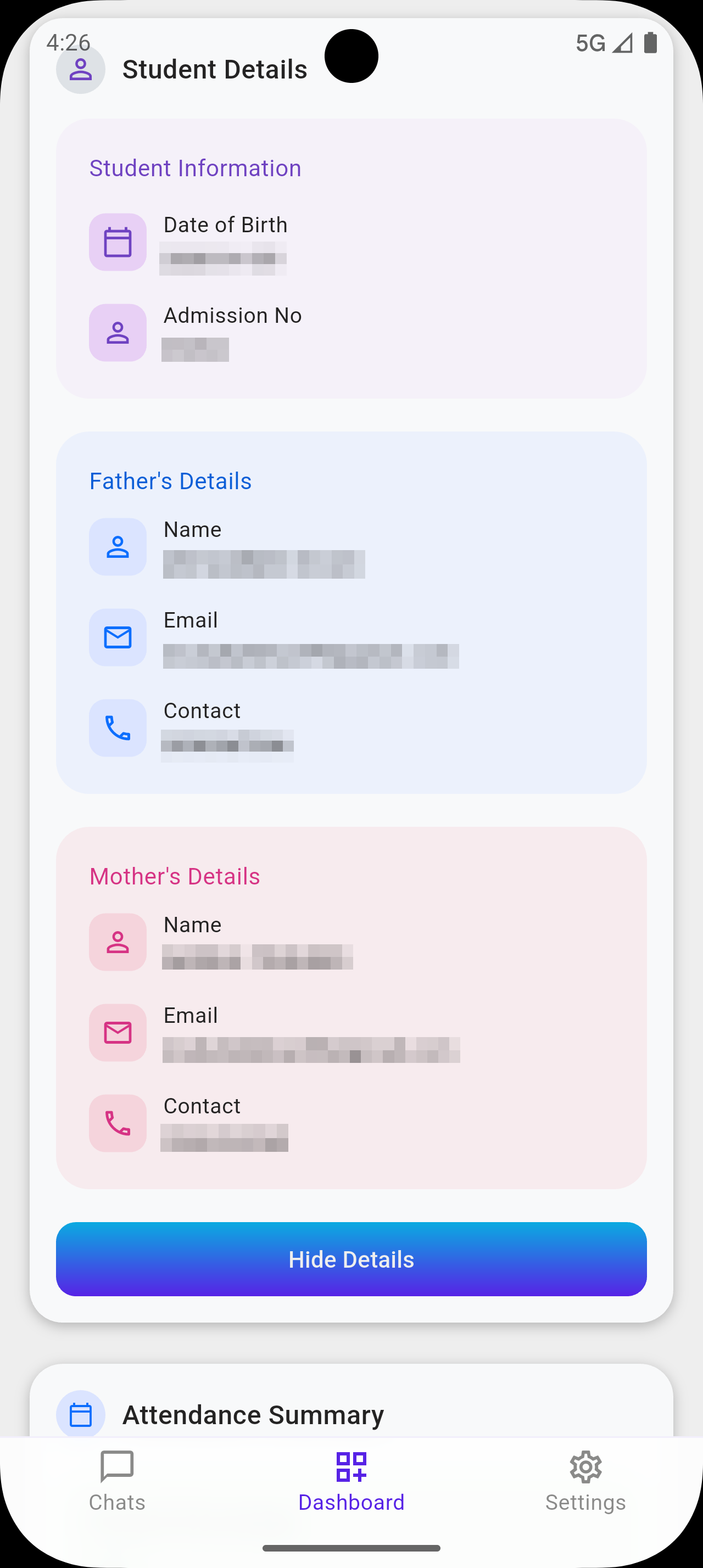
📊 Attendance Summary
The attendance summary card provides:
-
Overall attendance percentage
-
Total absent days
Helping parents quickly understand attendance performance.
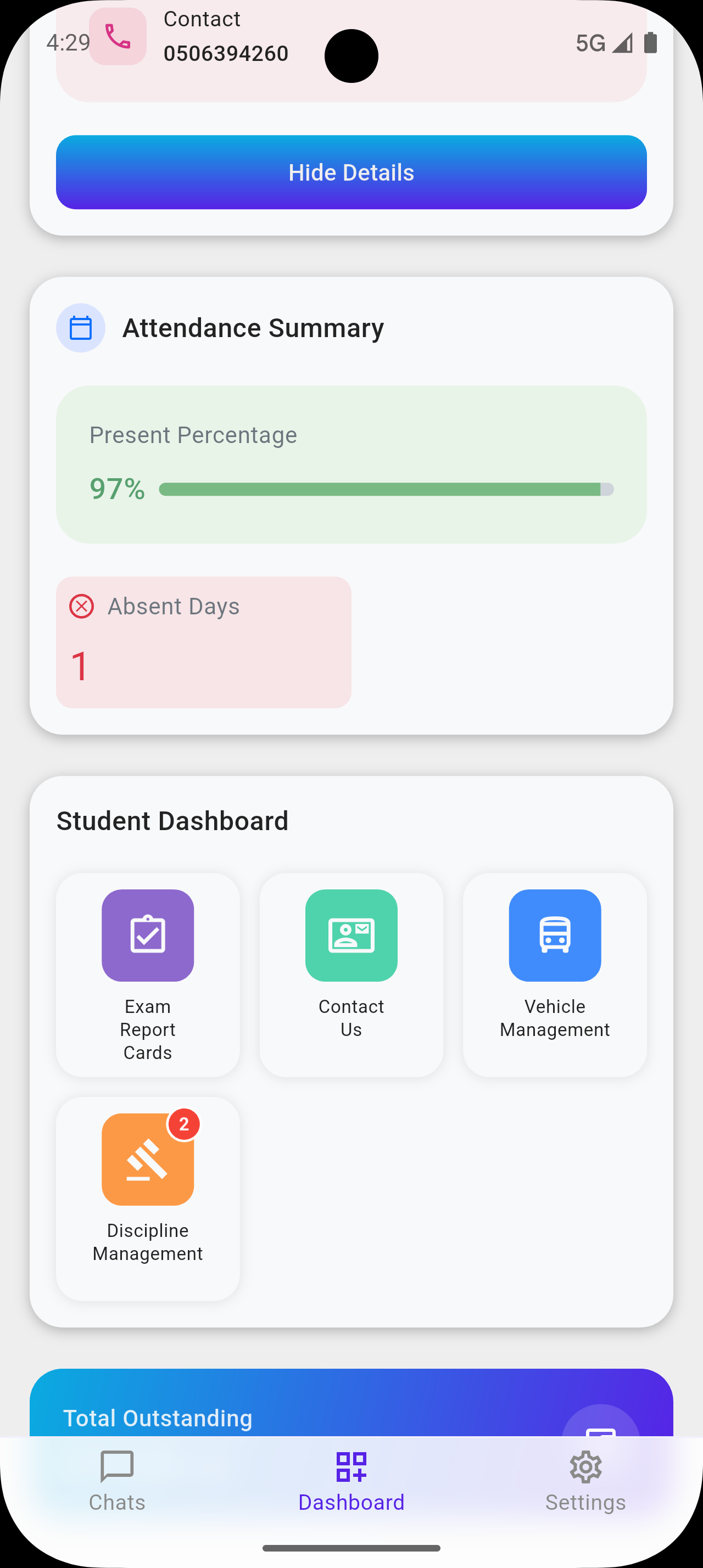
🚌 Vehicle Management
School transport details are now part of the student dashboard.
Parents can view:
-
Assigned vehicle details
-
Transport-related information for the selected student
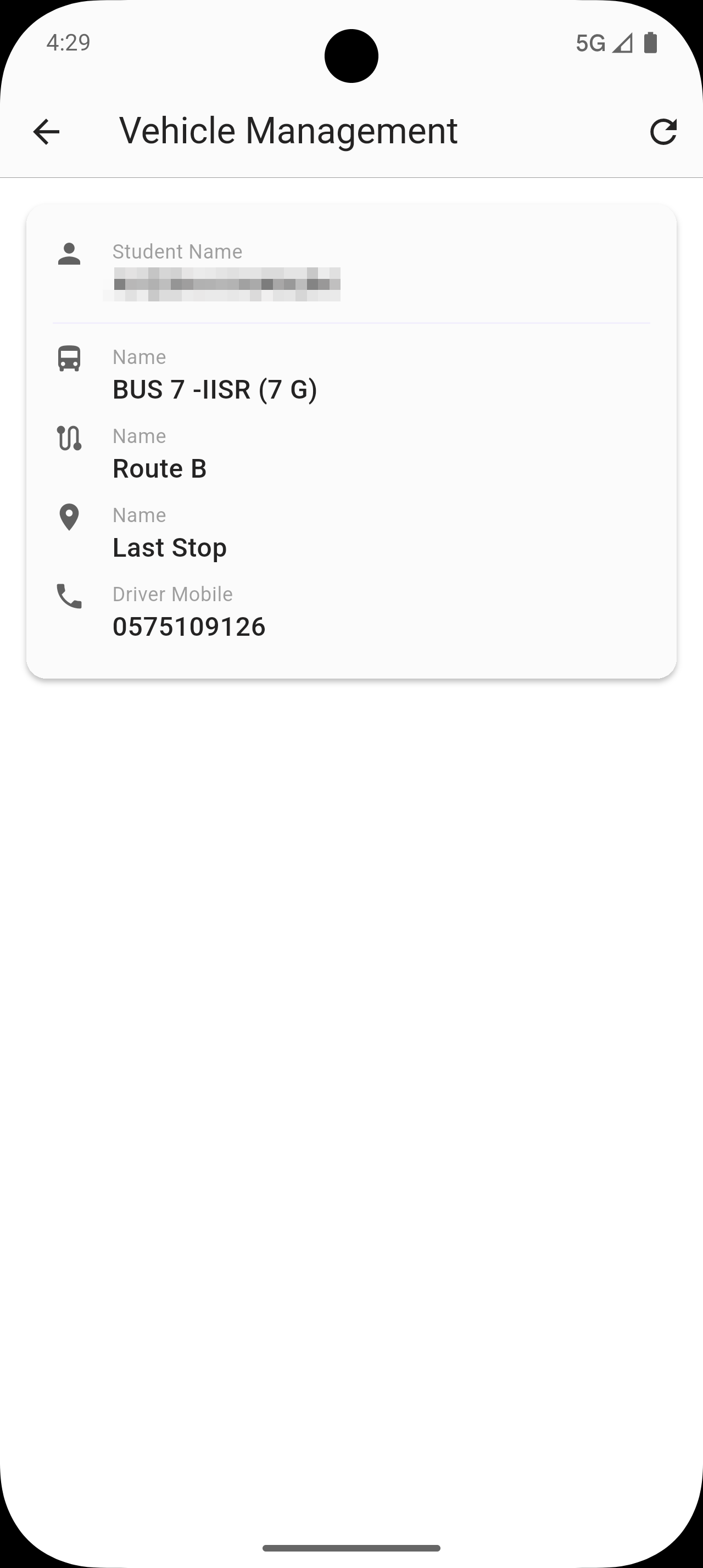
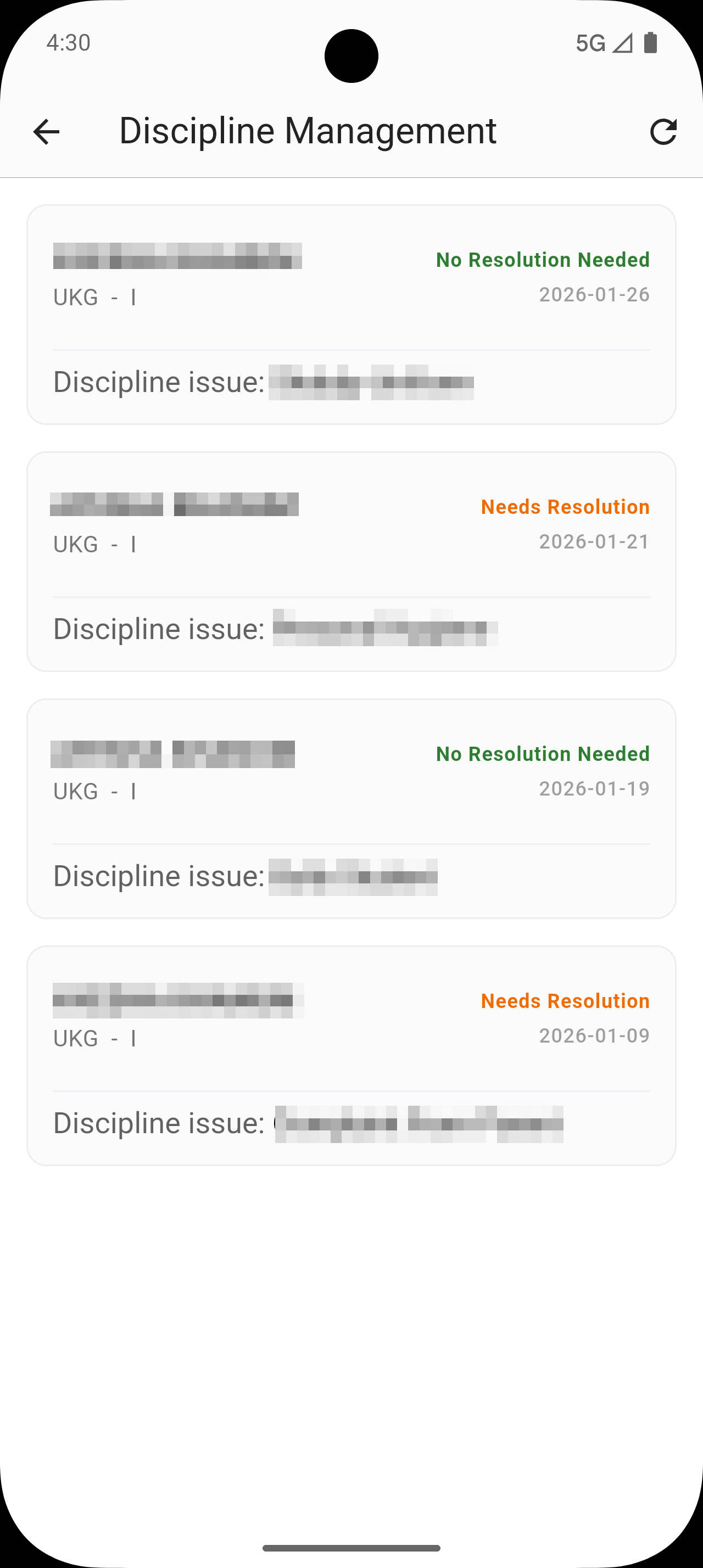
⚠️ Discipline Management
Discipline-related details for the selected student are displayed here, including:
-
All recorded discipline issues
-
Required resolutions
The total count of discipline issues is also shown directly on the discipline icon button at the top for quick visibility.
📅 Attendance Details
This section lists:
-
All absent days
-
Corresponding dates
Displayed clearly in a list format for easy tracking.
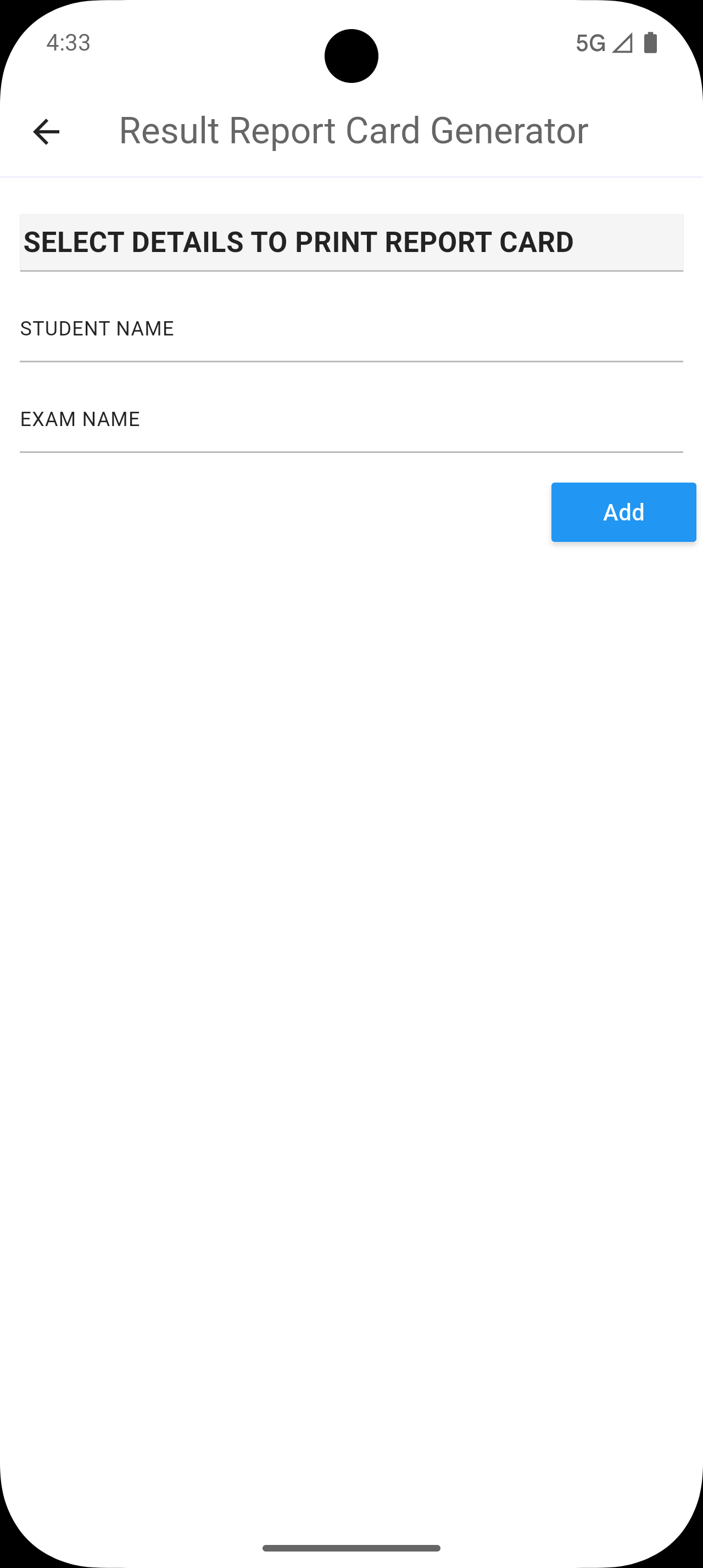
📝 Exam Report Cards
Exam report cards are now accessible directly from the dashboard, making academic performance review faster and easier.
💰 Total Outstanding
The total outstanding fee amount that needs to be paid by the parent is now clearly displayed on the dashboard itself.
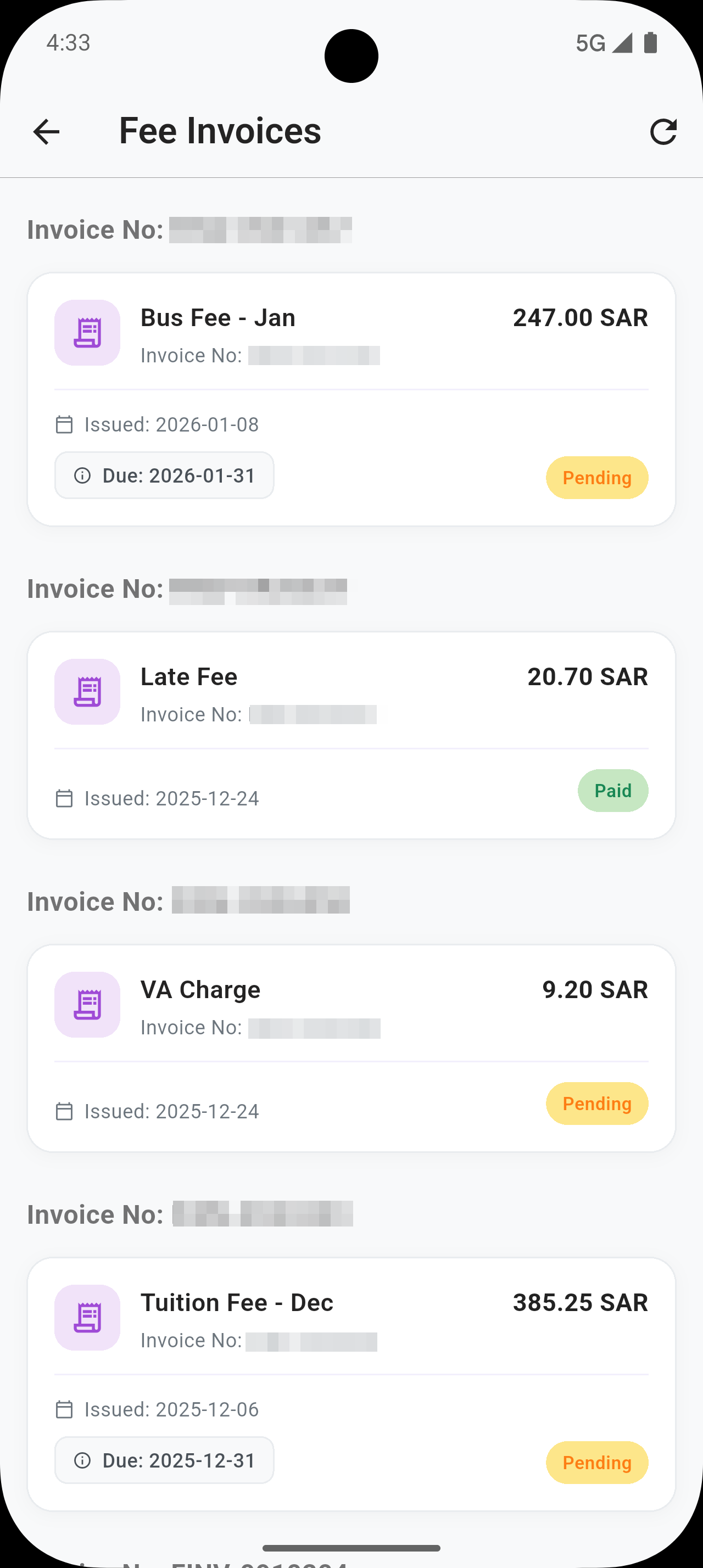
🧾 Fee Invoices
Issued fee invoices for the selected student are shown here with:
-
Paid or Pending status
-
Grouped invoices under the same invoice number
This makes invoice tracking simple and organized.
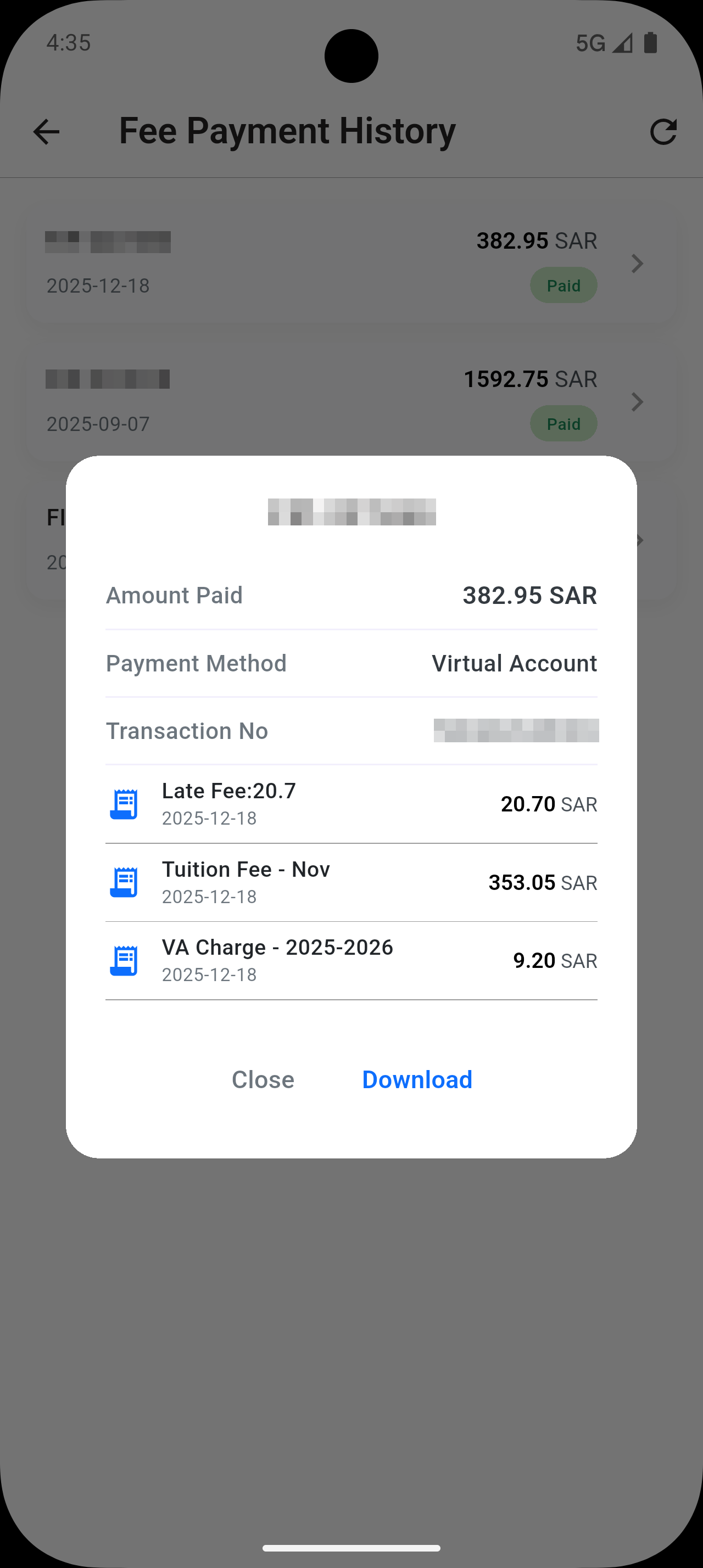
📂 Fee Payment History
This section shows:
-
Complete fee payment history
-
Paid invoice details
Parents can now download payment history by selecting a history item and clicking the Download button.
🔹 For payments made together for multiple students, the dashboard:
-
Displays only the split amount relevant to the currently selected student
-
Ensures accurate and student-specific payment visibility
💡 Why Parents Will Love It
✅ Clean, modern, and intuitive UI
✅ Centralized view of all student-related information
✅ Easy student switching with swipe gestures
✅ Improved transparency in attendance, fees, and discipline
✅ Designed for faster access and better decision-making